
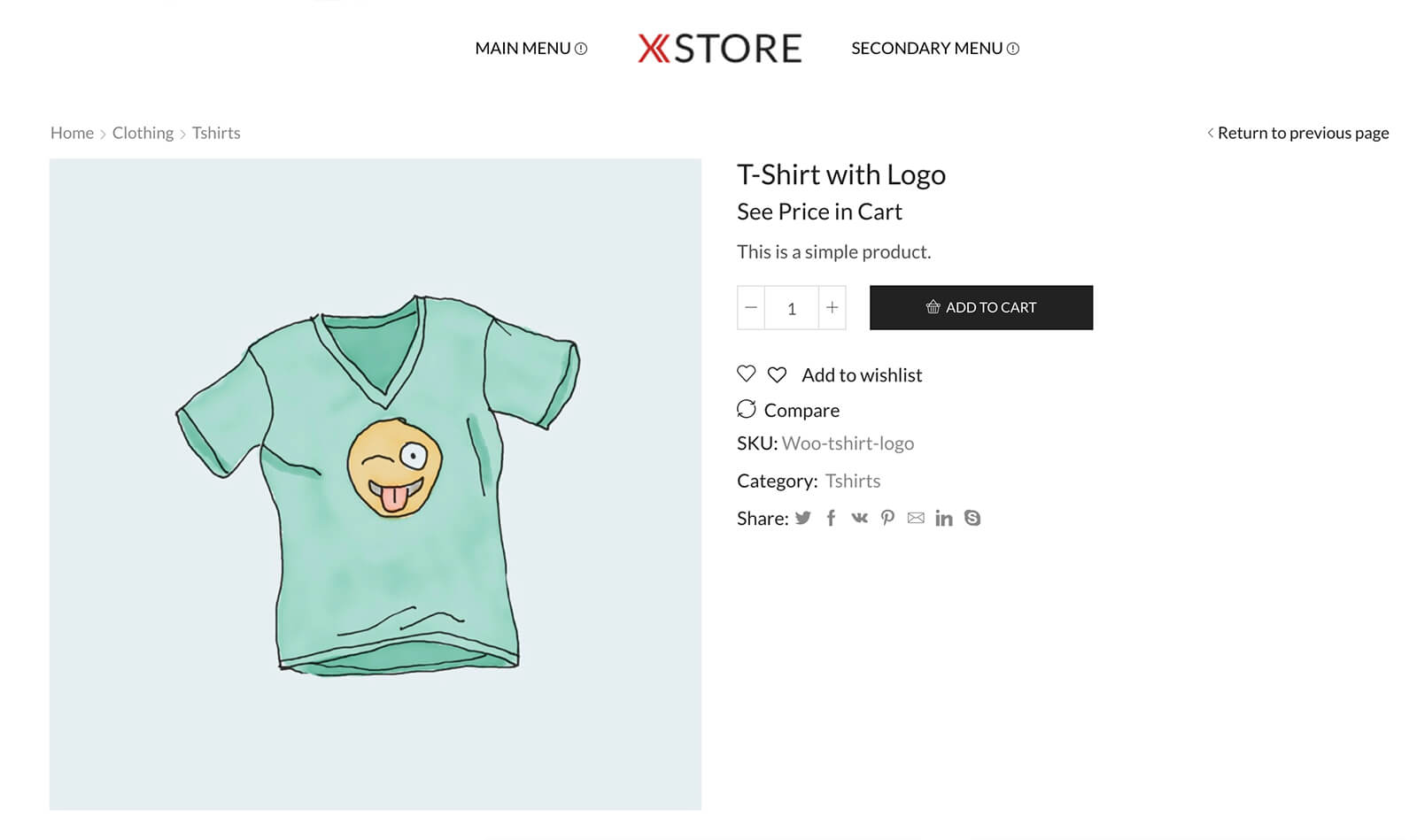
Hide WooCommerce product prices behind a configurable “See Price In Cart” message — ideal for MAP (Minimum Advertised Price) compliance, trade catalogs, and quote-style stores.
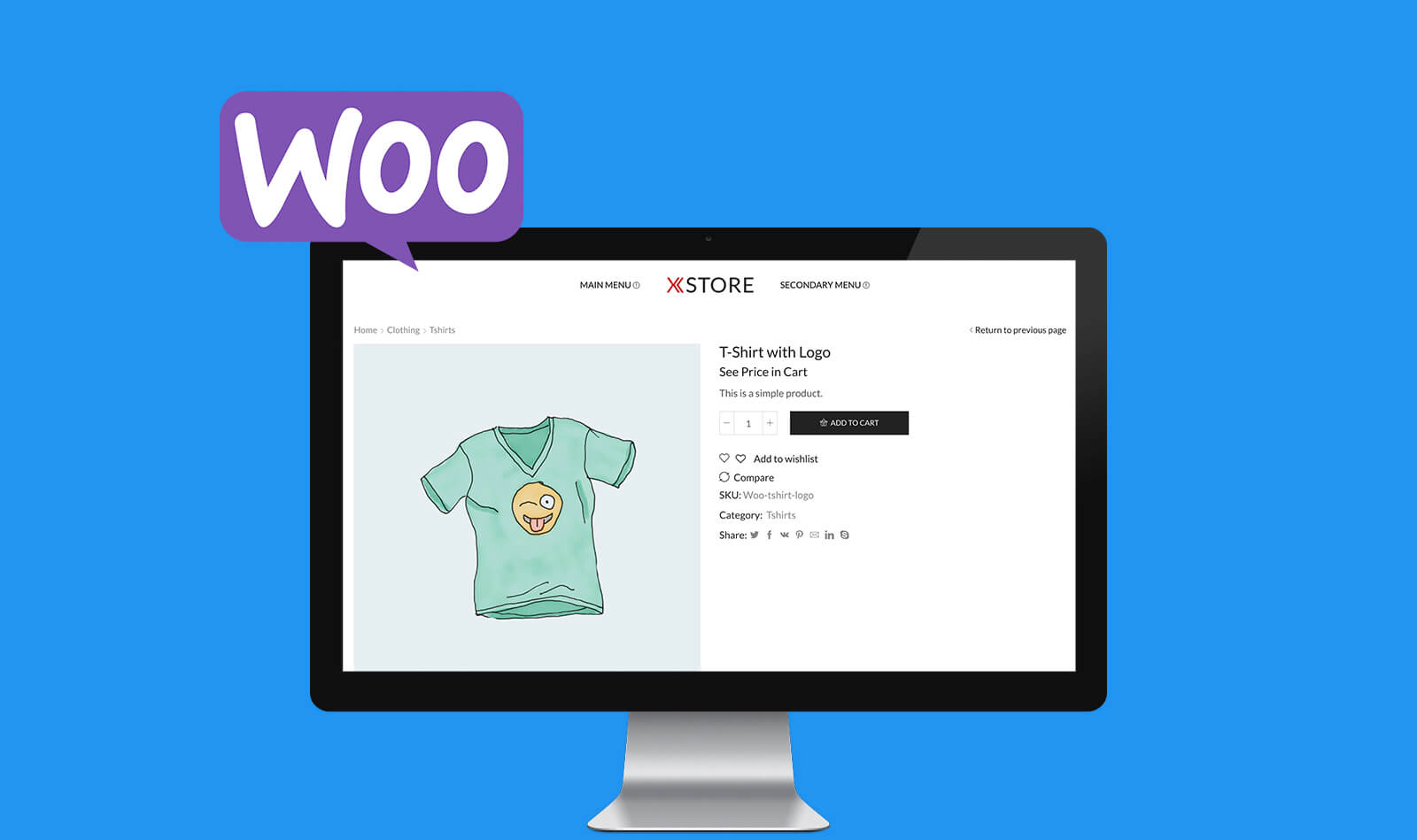
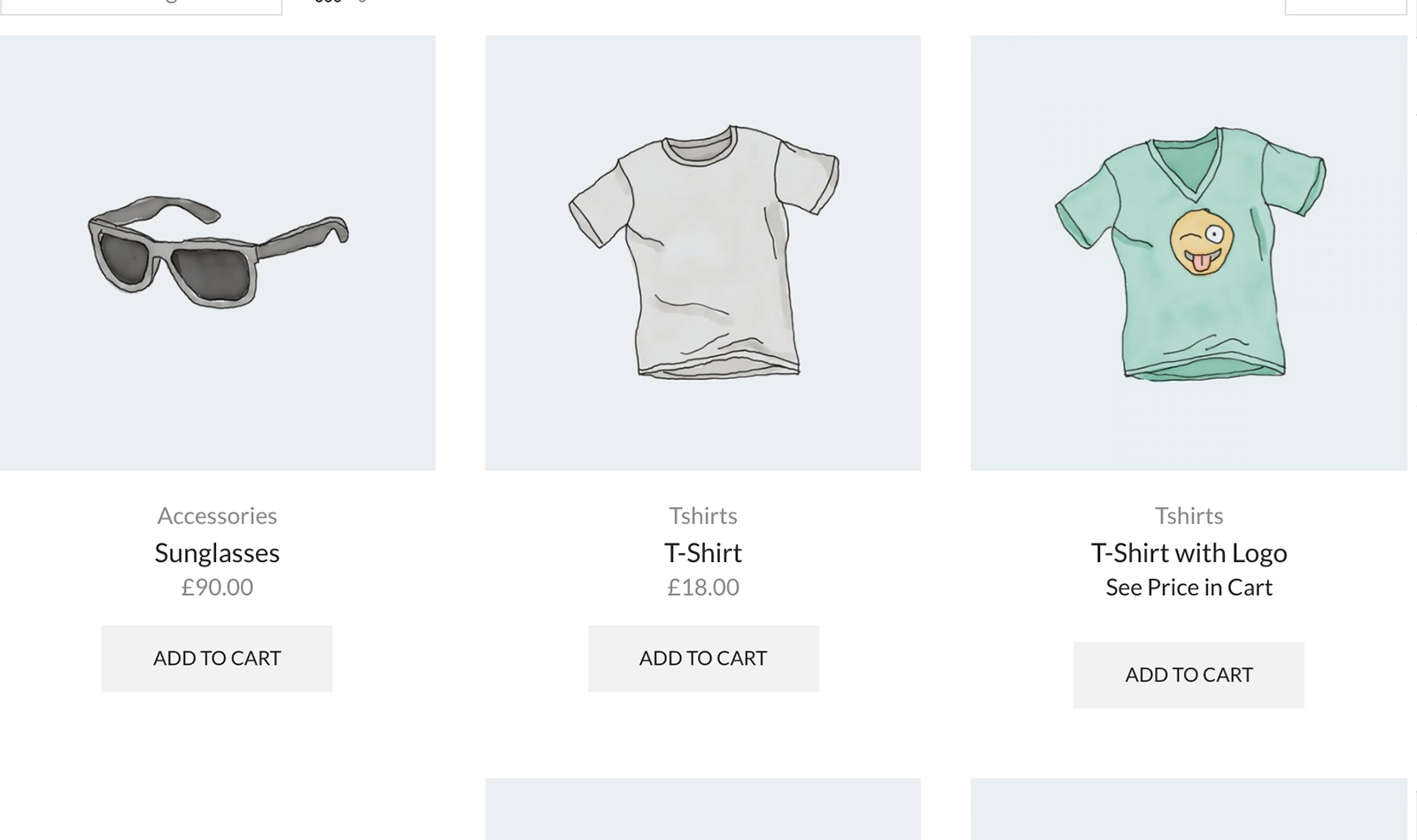
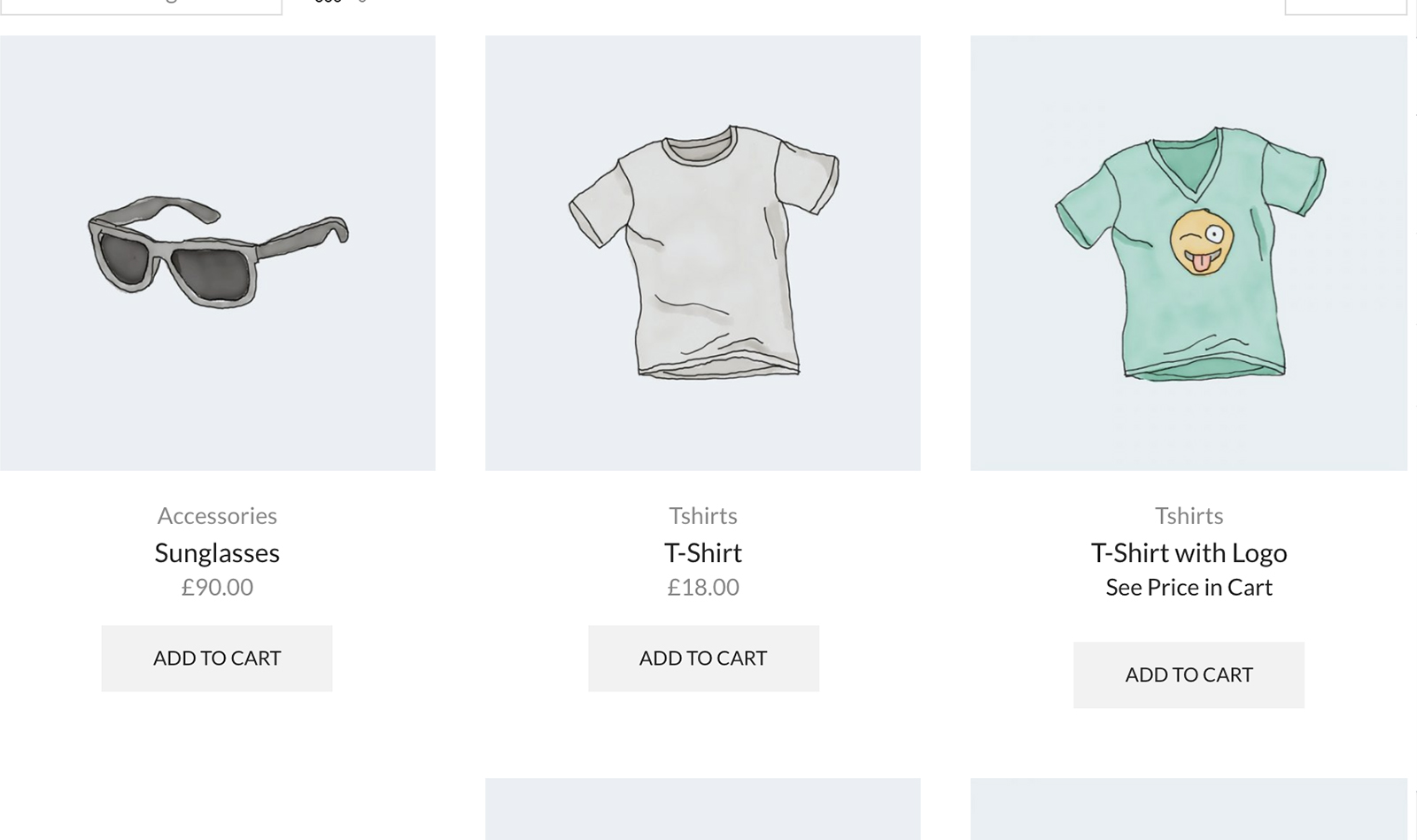
The override appears on shop, archive, single-product, and minicart pages. The actual price is only revealed in the cart and at checkout.
Turn on per product, per variation, site-wide — or any combination. Variable products with mixed pricing rules are fully supported.
Bulk-edit and quick-edit toggles on the Products screen. Site-wide default that you can disable per-product. Built for catalogs of any size.
Custom override text per product, with a global default. Optional plain-text mode (no link) for stricter MAP enforcement.
HPOS (custom order tables) compatible. Cart & Checkout Blocks compatible. Translation-ready with included POT template. Five public filter hooks for developers who need to customise behaviour.
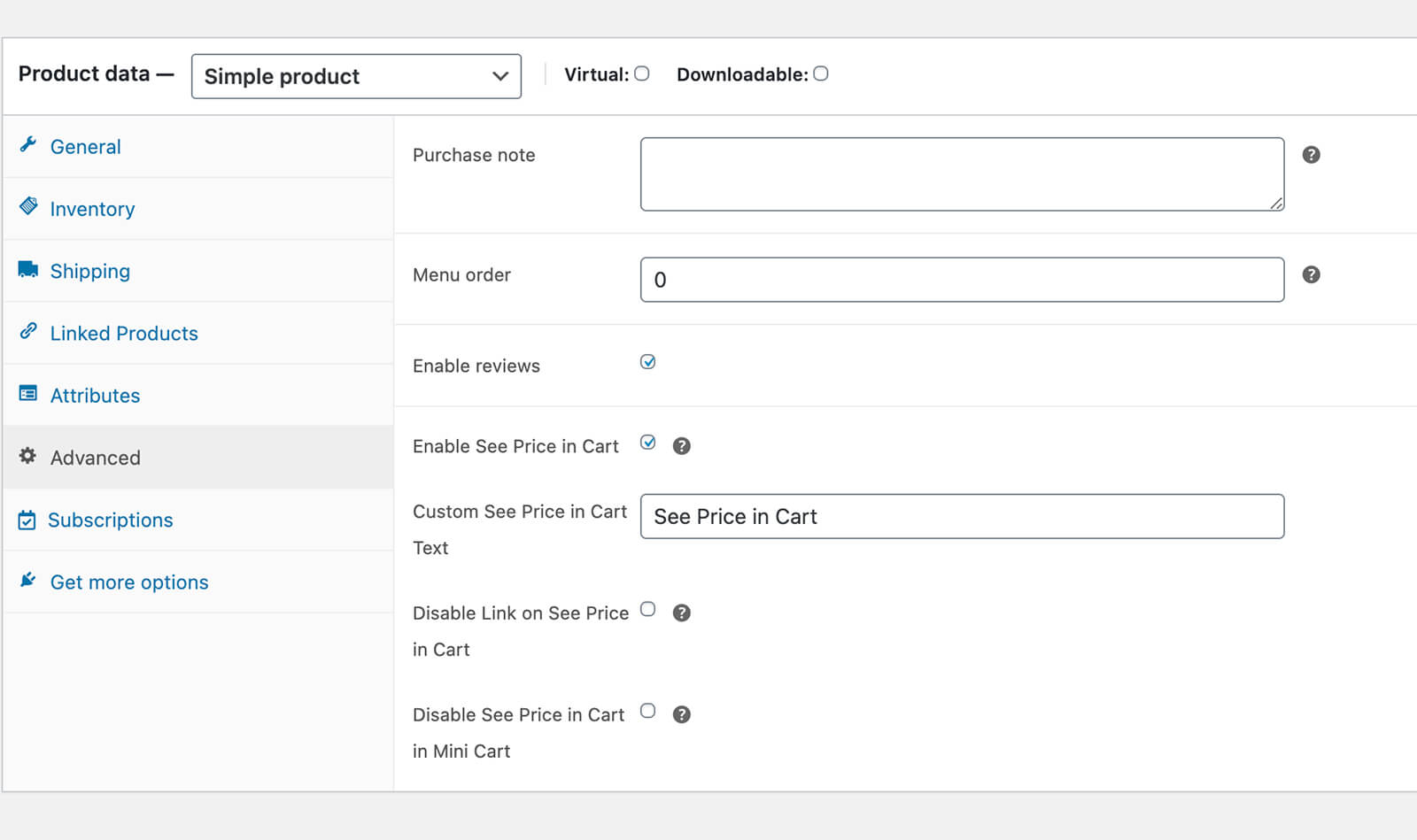
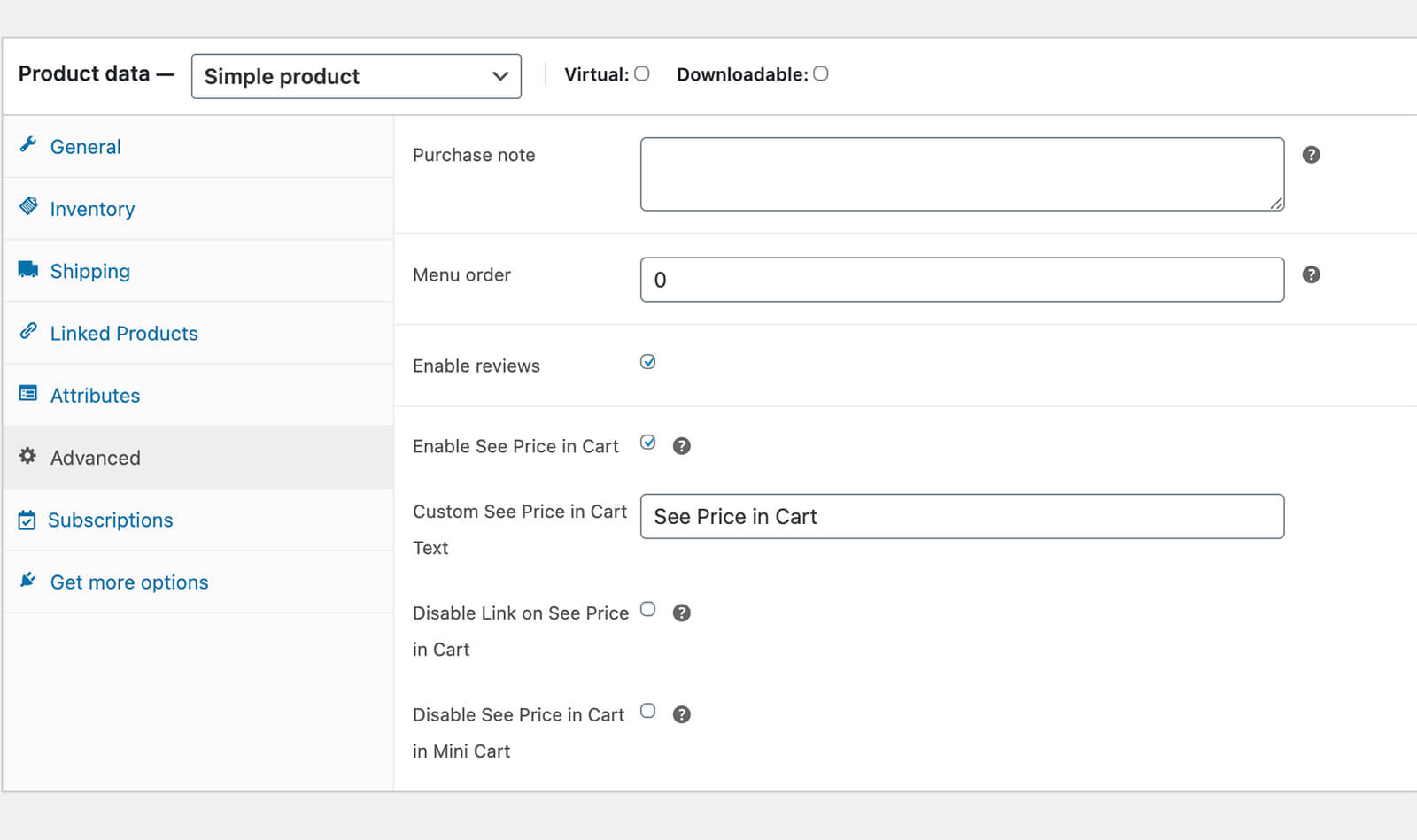
Configure on each product under the Advanced tab in the Product Data section. Toggle “Enable See Price in Cart” to replace the price with the override message. Variable products get a per-variation override; site-wide defaults are at WooCommerce → Settings → Products → See Price In Cart.


Simple to use MAP Plugin for WordPress
Hide WooCommerce product prices behind a "See Price In Cart" message — per product, per variation, or site-wide. Built for MAP compliance and quote-style stores. Custom override text, bulk edit, HPOS compatible.
From multipurpose themes to niche templates